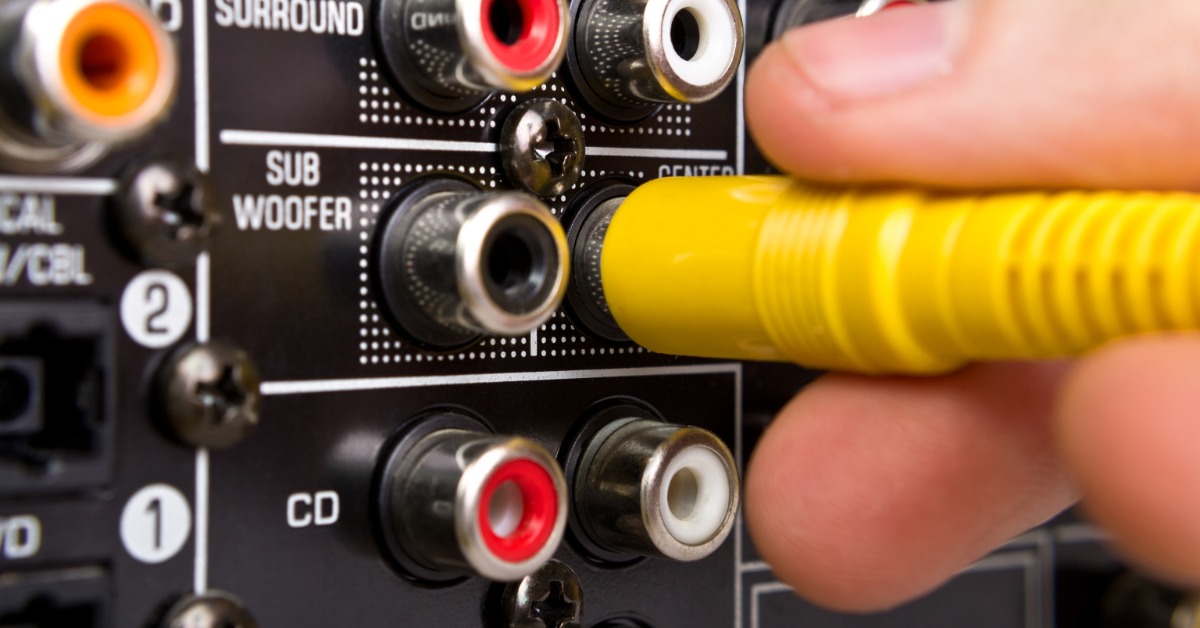
Step-by-Step Guide to Planning an AV Upgrade
Planning a home technology refresh can feel overwhelming when every room and connection plays a role. The same holds true for offices and event spaces where performance carries even more weight. Many people jump into upgrades without a clear roadmap, which leads to mismatched components or underwhelming results. This step-by-step approach doubles as an AV upgrade guide, helping you move forward with clarity in both residential and commercial settings.
Define Your AV Goals
Every successful upgrade starts with a clear vision of how your system should function day to day. In a home, this might mean immersive entertainment or whole-home audio, while in a workplace it could focus on presentations or client experiences. Clear goals keep decisions aligned with real usage instead of guesswork.
Evaluate Your Current Setup
Take a close look at your existing system before making changes. Some components may still perform well and integrate into an updated setup, whether in a home theater or a business environment. This approach helps control costs while identifying true limitations.
You’ll also uncover infrastructure challenges such as outdated wiring or incompatible devices. These issues are common in homes and commercial spaces, especially in older buildings. Once you understand your baseline, you can plan upgrades with precision.
Identify Performance Gaps
Start by noting where your system falls short during everyday use. In offices, this might include poor microphone clarity or unreliable video conferencing. At home, it could show up as uneven sound or dull picture quality.
Pinpointing these issues helps you focus on upgrades that improve performance. It also prevents unnecessary replacements. Every improvement should directly enhance how the system functions in real scenarios.
Review Compatibility Issues
Older systems struggle to keep up with modern standards and integrations. Devices that don’t communicate well create friction, especially in environments where multiple users rely on the system. Compatibility checks help avoid disruptions later.
Look closely at connection types and software platforms. These details determine how smoothly everything works together. A well-integrated system supports convenience and reliability.
Set a Realistic Budget
Budgeting shapes the direction of your entire upgrade. In commercial environments, this includes planning for scalability and ongoing use, while residential projects may focus more on performance within a defined space. Both require a balanced approach.
A strong budget accounts for equipment, installation, and infrastructure upgrades. It also leaves room for adjustments as the project develops. Thoughtful planning here prevents surprises and keeps your upgrade on track.

Plan Room Layout and Acoustics
Room layout plays a major role in performance, whether you’re setting up a home theater or a corporate meeting space. Screen placement and speaker positioning all affect the user experience. Poor layout decisions limit even high-end systems.
Acoustics also deserve careful attention. Offices with glass walls or large open areas create echo and reduce clarity, while homes with hard surfaces face similar challenges. Balancing materials and placement improves sound quality across any environment.
Optimize Speaker Placement
Speaker placement directly affects clarity. In conference rooms, clear speech distribution keeps meetings productive, while in homes it enhances entertainment. However, poor positioning leads to uneven sound and listener fatigue.
Adjusting angles, spacing, and height creates a more balanced experience. Even small refinements can elevate overall performance. Thoughtful placement brings out the full capability of your system.
Choose the Right Equipment
Selecting the right equipment requires a focus on performance and compatibility rather than trends. In commercial settings, reliability and ease of use take priority, while residential systems may emphasize experience. Both benefit from smart, intentional choices.
Here are key factors to consider when choosing your equipment:
- Audio quality suited to the room size and purpose
- Display performance that matches content and lighting conditions
- Integration with control systems or smart technology
- Scalability for future upgrades or expanded use
- User-friendly operation for all intended users
Work With Professionals
Complex AV systems benefit from experienced guidance. Residential and commercial projects involve technical planning, precise installation, and system calibration. This is where audio visual contractors play a critical role, offering expertise in integrating systems that function seamlessly across different environments.
What Professionals Bring
Experienced professionals understand how to align technology with real-world use. They tailor systems to fit specific spaces, whether it’s a home, office, or event venue. This approach creates a more reliable and intuitive experience.
They also stay current with evolving technology standards. That insight helps future-proof your system while keeping it easy to use. A knowledgeable partner simplifies complex decisions.
Map Out Installation Steps
A structured installation plan keeps everything moving efficiently. In commercial projects, coordination becomes even more important due to multiple stakeholders and tighter timelines. Clear planning reduces delays and confusion.
Consider these essential steps when mapping out installation:
- Upgrade or install necessary wiring infrastructure
- Mount displays and position audio equipment properly
- Configure network and connectivity systems
- Integrate control platforms and automation features
- Test and calibrate the system for practical use
Test and Fine-Tune Performance
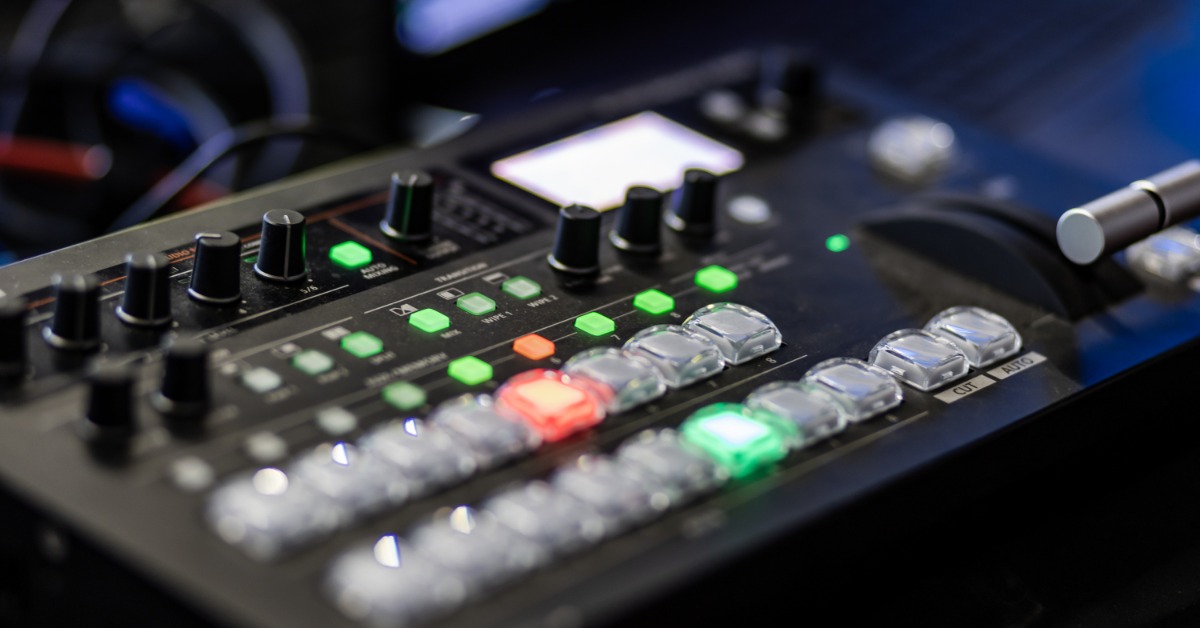
Once installation is complete, your system needs thorough testing to confirm everything works as expected while uncovering areas for improvement. This phase naturally leads into calibration, where adjustments refine audio and video performance.
Dialogue becomes clearer, sound balances more evenly, and visuals sharpen, making the experience feel more cohesive. By the end of this process, what began as a functional setup evolves into a polished, high-performing system.
Plan for Future Expansion
Planning ahead allows your system to grow with your needs. In commercial environments, this might include adding meeting rooms or upgrading collaboration tools. In homes, it could mean expanding into additional spaces or integrating new technology.
Building flexibility into your system saves time and resources later. A scalable setup adapts without requiring a complete overhaul. This forward-thinking approach keeps your investment relevant.
Think Long-Term
Keeping expansion in mind from the start creates more opportunities down the line. It also makes future upgrades easier to implement. Flexibility becomes one of your system’s strongest advantages.
A well-executed upgrade transforms how people interact with technology, whether at home or in a professional setting. Following a structured plan replaces uncertainty with confidence and leads to better outcomes. This step-by-step guide to upgrading your AV setup applies to a wide range of environments. With the right strategy, your system becomes a seamless part of how you live or work.
If you want expert input tailored to your space, Aztec Sound brings a personalized approach built around how you use your systems. Our team focuses on custom integration, which leads to more reliable performance. Reach out to start planning a system that fits your goals.