Reducing Downtime With Professionally Managed AV
A meeting room that suddenly loses audio can derail a client call, while an unreliable display can leave employees waiting instead of working. Installation projects create another concern because businesses still need to operate while technicians upgrade their spaces. When you plan technology around real workplace needs, you can reduce downtime with professionally managed AV while keeping disruption under control. The right approach addresses daily reliability and the installation process as parts of the same business challenge.
Plan Around Business Operations
You need an AV plan that reflects the way employees use each space during the workday. A conference room that hosts client meetings will have different priorities than a training room that employees use periodically. Therefore, technicians should learn those patterns before deciding when and where work should take place.
Careful planning also helps you identify parts of an installation that could interrupt normal operations. Your AV team can then schedule disruptive work during quieter periods when the project allows it. That preparation gives employees a clearer idea of what to expect while helping the project move forward efficiently.
Identify Downtime Risks Early
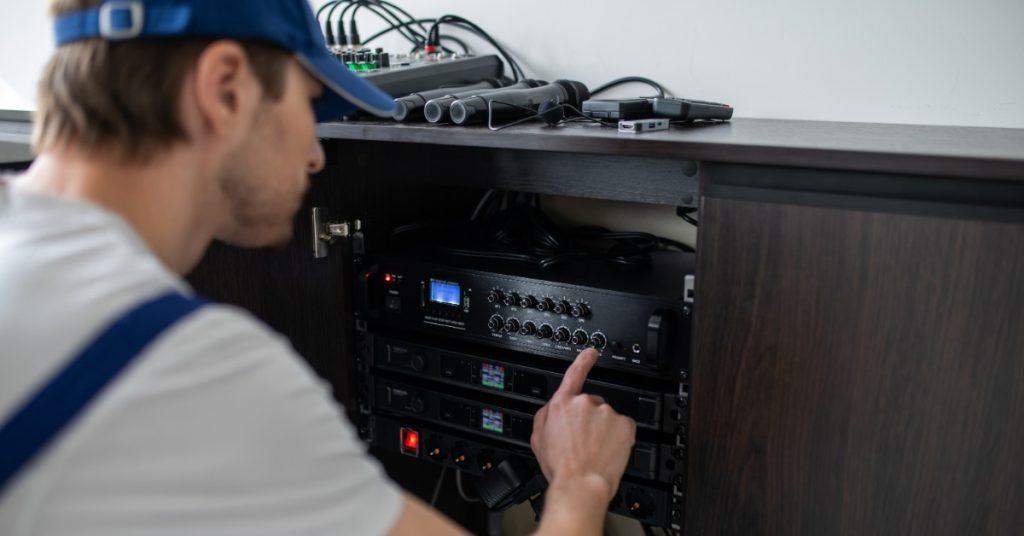
You don’t want to discover a critical limitation halfway through installation. Early site assessments give technicians an opportunity to examine existing infrastructure and understand the conditions surrounding the planned system. They can then account for those conditions when developing the project plan.
A commercial audio visual company specializes in planning and integrating AV technology for business environments. You should expect that team to consider the way employees will interact with the completed system during normal operations. That perspective helps connect technical decisions with practical workplace needs.
Keep Installation Disruption Controlled
An AV upgrade shouldn’t bring an entire workplace to a halt when technicians can organize the project around business activity. You can reduce downtime through professionally managed AV by coordinating installation work with room availability and operational priorities. Good coordination also helps employees understand when specific spaces may become temporarily unavailable.
Several practical steps can keep installation activity from creating unnecessary interruptions, including:
- Scheduling disruptive work around lower-use periods
- Communicating temporary room closures ahead of time
- Preparing equipment before technicians need it onsite
- Coordinating access with facility or operations staff
- Testing completed areas before returning them to use
Build Systems Around Users
Technology works best when employees don’t have to struggle through basic tasks each time they enter a meeting room. If controls remain consistent and straightforward, users can spend less time figuring out the system. Therefore, your planning process should account for the people who’ll operate the technology every day.
Custom integration becomes especially useful when different spaces support different types of work. Rather than forcing every room into the same configuration, you can match each system to the activities that happen there. Employees get technology that supports their routines instead of adding unnecessary steps.
Test Before Full Handover
Once installation work wraps up, you still need to know that the system performs correctly in real working conditions. Technicians will test the completed setup and address problems before employees depend on it during an important meeting. This stage gives the team time to fine-tune system operation.
You also benefit when testing reflects normal use rather than a quick equipment check. A room may need to support the same workflows employees rely on during presentations or video meetings. Thorough testing gives users a stronger starting point when the space returns to regular service.
Respond Faster to Problems
Reliable AV management doesn’t end once the installation crew leaves. When a problem arises later, your team needs a clear path for getting the system back into working order. Good system documentation and knowledgeable support can make troubleshooting more focused.
You’ll also save employees from spending valuable work time experimenting with unfamiliar equipment when professional help makes more sense. A technician who understands the installation can approach the issue with useful context about the system. Consequently, your employees can stay focused on their actual responsibilities.
Protect Critical Meeting Spaces

Some rooms carry greater operational importance because employees depend on them for customer conversations or internal decision-making. You should identify those spaces when planning installation work and ongoing AV support. Their business role may justify different scheduling or support priorities.
A dependable approach also considers what happens when an issue appears during a busy day. Employees need to know where to seek help rather than losing time trying random fixes. Clear support procedures keep a small technical problem from consuming a large portion of a meeting.
Prepare Teams for Handover
A complete installation still requires a smooth transition back to normal business use. Employees need enough guidance to operate the system confidently, while internal teams should know where to turn when something goes wrong. A structured handover helps close the gap between technical completion and everyday use.
Your handover process should leave employees with practical information they can use after technicians finish the project, such as:
- Demonstrating common room functions for regular users
- Explaining where employees should request technical support
- Providing relevant operating information for installed systems
- Confirming responsible contacts for future service questions
- Addressing user questions before normal scheduling resumes
Manage AV Beyond Installation
You get greater long-term value from workplace AV when you treat installation as the beginning of an ongoing technological lifecycle. Business needs change, and employees may use spaces differently as the organization grows. Regular attention gives you opportunities to address those changes without waiting for a major disruption.
You can also use service conversations to discuss recurring issues that employees encounter during normal work. If the same problem keeps appearing, a technician can examine its cause instead of relying on repeated temporary fixes. That approach keeps AV management connected to the way your business operates.
Downtime becomes expensive in practical terms when employees lose productive time or important meetings stall because the technology isn’t ready. A well-managed AV approach helps you limit those interruptions by considering installation schedules and ongoing support as connected responsibilities.
Aztec Sound works with businesses to develop custom systems around the way people use their spaces. If your workplace needs an audio-visual upgrade without unnecessary disruption, contact Aztec Sound about planning a system and installation process that fits your day-to-day operations.