AV Solutions That Drive Hybrid Work Success
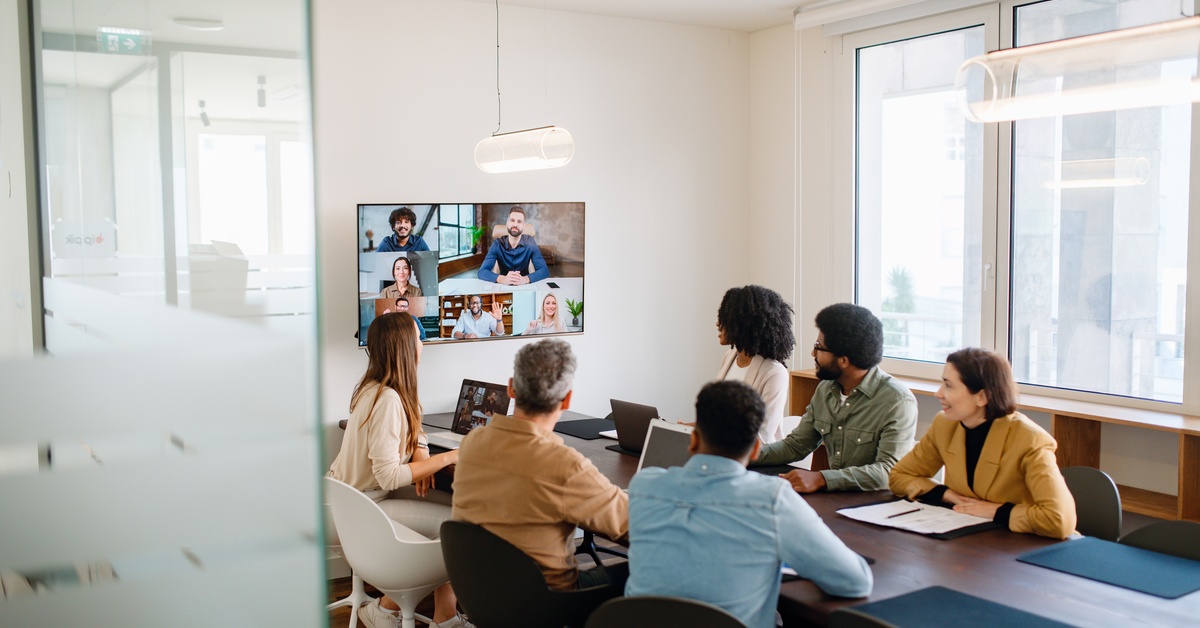
Modern offices are networks connecting people wherever they work—whether at home, in a coffee shop, or in a boardroom. When technology fails, it interrupts the collaborative flow. That’s why the right AV solutions are essential for hybrid work success. Let’s explore the tools and strategies that make it truly work.
Improved Audio Quality
Nothing derails a meeting faster than poor sound quality. In a hybrid environment, audio equality matters. People dialing in remotely need to feel as present as those in the room. If the microphone in your conference room only picks up the person sitting at the head of the table, you isolate half your team.
High-quality soundbars with beamforming microphones solve this. These devices track who is speaking and focus the audio pickup on them. It cuts out background noise—like the HVAC system or shuffling papers—and delivers crystal-clear voice clarity to remote participants.
Personal Audio Devices
Don’t forget about the remote side of the equation. Laptop microphones rarely suffice for professional calls. They pick up echoes and the room ambience.
Encourage noise-canceling headsets or professional-grade USB speakerphones for home offices. These tools isolate the speaker’s voice.
Video Clarity and Presence
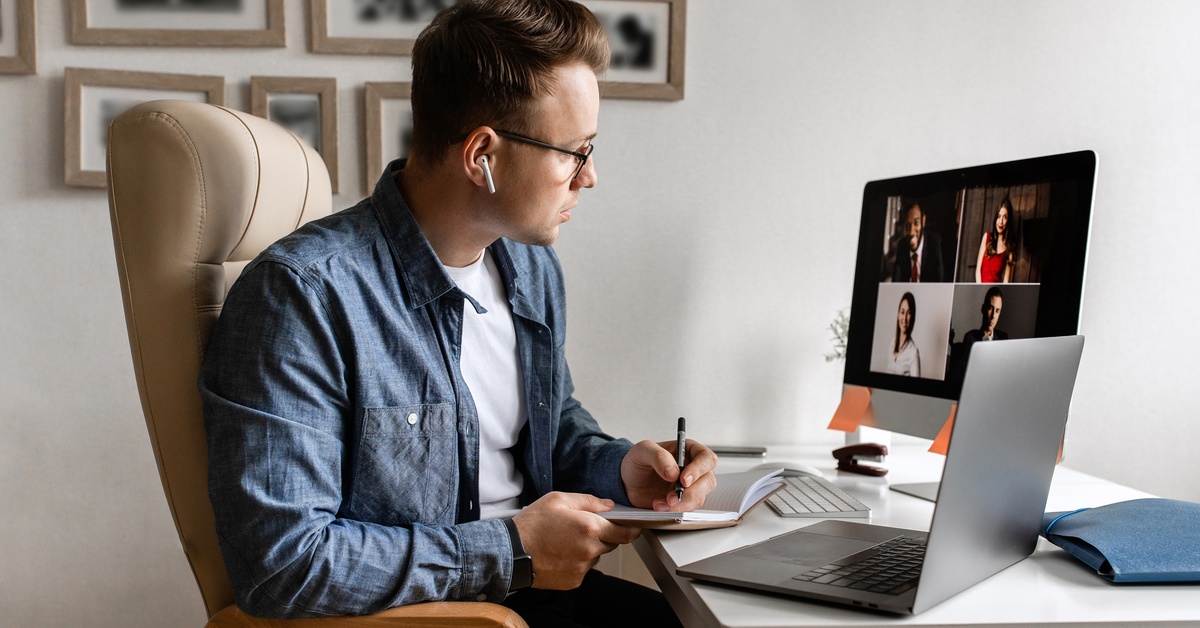
Grainy, low-light video can make it hard to connect with people on calls. Since most built-in laptop cameras can’t handle lighting changes or wide angles, it’s worth looking into intelligent cameras with auto-framing capabilities.
These cameras zoom in and adjust the frame based on where people sit in the room. If someone stands up to write on a whiteboard, the camera follows. It creates a dynamic viewing experience for remote workers.
Interactive Whiteboards and Collaboration
When you’re in the office, it’s easy to use a whiteboard. But in a hybrid meeting, remote team members can’t see what you’re writing on it. Digital whiteboards allow in-person and remote teams to draw, annotate, and brainstorm on the same canvas simultaneously. It creates a shared focal point.
You don’t even need massive, expensive hardware to start. Many software solutions integrate with touch-enabled displays. This allows a user in the office to sketch a diagram that appears instantly on a colleague’s tablet in another city. It keeps the creative energy moving without technical barriers.
Room Scheduling Systems
Hybrid work introduces a logistical puzzle: knowing who is in the office and where they can meet. There’s nothing worse than wandering the halls looking for an open room while your client waits on the Zoom line.
Room scheduling panels outside meeting rooms simplify booking. These touchscreens show if a room is in use, for how long, and by whom.
Advanced systems integrate with your calendar software. If a meeting ends early, the sensors detect an empty room and release it back into the pool. It maximizes your real estate usage and removes the stress of fighting for space.
Wireless Presentation Tools
Searching for the right cable can disrupt your meeting. If a presenter brings a laptop with a USB-C port, but the meeting room only has an HDMI cable, you’ll need an adapter.
Wireless presentation systems make it easy to share your screen on a main display with just a click or tap, eliminating the need for physical cables. This supports a “bring your own device” (BYOD) culture, allowing PCs, Macs, tablets, or smartphones to connect instantly. Meetings focus on the content, not the technical setup.
Acoustics and Sound Masking
Open offices can be noisy. Hard surfaces like glass walls and floors create echoes, which can be disruptive during conference calls. Background conversations can also make it difficult for remote team members to hear what’s going on.
Acoustic treatments absorb this excess noise. Simple additions, such as acoustic panels or ceiling baffles, drastically improve audio quality. They reduce echoes, making speech easier to understand.
Sound masking takes it a step further. It emits an unobtrusive background sound—often matched to the frequency of human speech—that renders nearby conversations unintelligible. It adds a layer of privacy and reduces distractions, helping everyone focus on their specific tasks.
Unified Communication Platforms
Unified Communication (UC) platforms like Microsoft Teams or Zoom Rooms serve as this central control system. However, your hardware also needs to be certified to work with it.
Using hardware certified for your platform ensures reliability because the devices are tested to work with the software. This gives you one-touch join capabilities, consistent interfaces, and fewer technical issues.
When the interface is consistent across all rooms, employees feel confident using the tech. They walk in, tap “Join,” and the meeting starts.
Network Reliability

We often forget how important the network is for our AV setup. Even with the best cameras and microphones, a bad internet connection can make your expensive equipment useless.
A hybrid work environment requires a strong internet connection. Since video conferencing uses a lot of data, it’s important to prioritize network traffic for audio and video to prevent any lagging.
You should also review your Wi-Fi coverage. Dead zones in the office can limit where people can work, so a strong mesh Wi-Fi network is essential. This allows employees to take calls from the lounge, a huddle room, or their desk without losing connection.
Make the Investment Count
To save money in the long run, design your AV strategy with flexibility. For example, can you add more microphones if the table expands? Can the camera track more people if you remove a wall? A flexible system will adapt as your business grows.
Finding the right partner to design and install your systems can also make the whole process much easier. A commercial audio visual company can assess your specific needs and acoustics to deliver the best results. For example, Aztec Sound specializes in creating custom environments that seamlessly integrate technology into your workflow. Every space is unique, and we take a tailored approach to bring out its full potential.
Build a Better Workspace
Creating an effective work environment requires a thoughtful approach to technology. Upgrading your AV solutions can help your hybrid team collaborate more effectively and drive successful work. The right combination of high-quality displays, intelligent cameras, and clear audio systems will transform your meeting rooms into hubs of productivity.
If you need help designing a custom setup for your business, our team of experts at Aztec Sound can guide you through the process. Contact us today to create the perfect solution for your needs!